Describe it
From a sentence
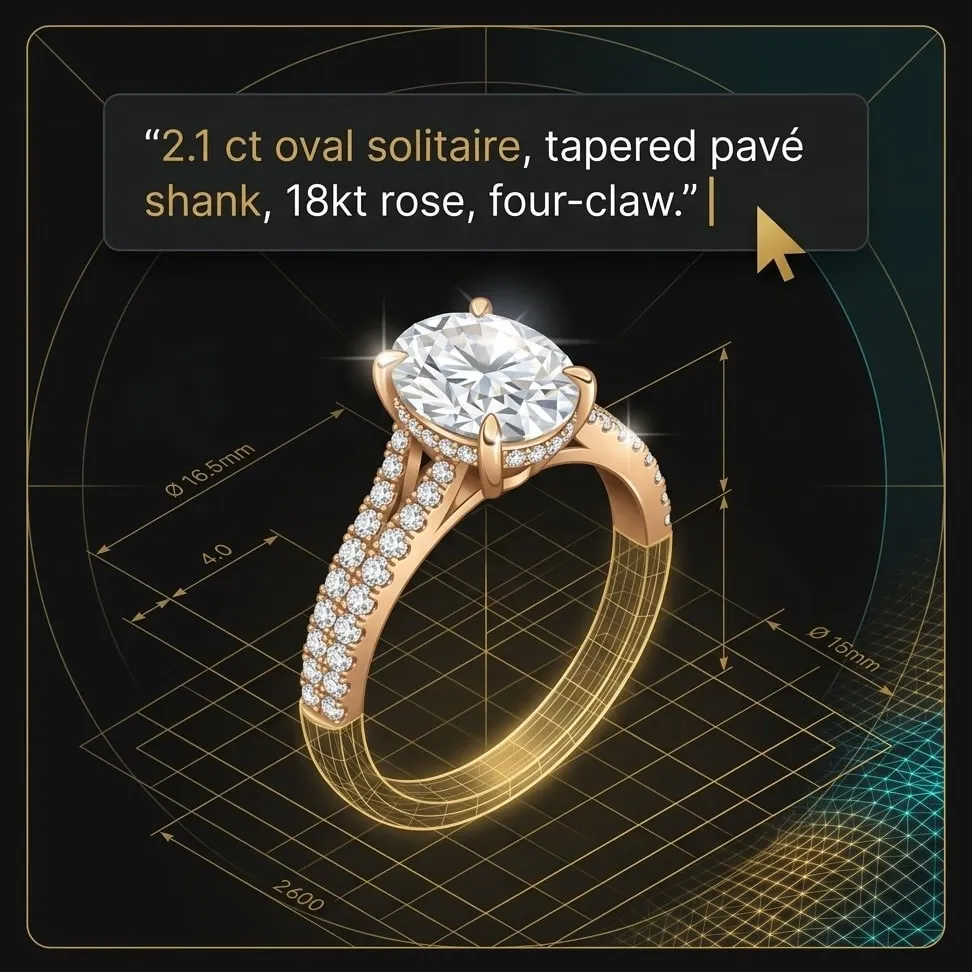
Say it the way you would say it to a bench: “2.1 ct oval solitaire, tapered pavé shank, 18kt rose, four-claw.” Curviq speaks that vocabulary and drafts inside it.
AI jewellery design software, from sketch to CAD
Describe the piece, or drop a sketch. Curviq Enterprise carries it from the first line to a dimensioned, costed CAD file your bench can cut.
A beautiful image is the easy part. What a workshop needs is a dimensioned file, a metal weight, a stone list and a cost — before anyone quotes a customer. Curviq is built from the bench backwards, so the design you approve is the design that gets made.
Sketch to CAD from a hand drawing, a brief in your own words, or a photo of a piece you already make.
Your Mood Board — your proportions, settings, metals and finishes — not a generic taste.
Curviq proposes, you confirm. Nothing advances a stage without a person saying so.
Jewellery CAD design: dimensioned, tolerance-checked, export-ready as STL, 3DM or STEP.
Jewellery costing: metal weight, stones, making charges and labour, costed in ₹ against live rates before the quote leaves your hands.
Cast, set, finish. Tracked to the piece, not to a batch someone guesses at.
One file carries the piece through all six. Nothing is re-drawn, re-typed or re-costed on the way.
However the idea arrives, it enters the same workflow at the same stage. No separate tools, no re-drawing to move between them.
Say it the way you would say it to a bench: “2.1 ct oval solitaire, tapered pavé shank, 18kt rose, four-claw.” Curviq speaks that vocabulary and drafts inside it.
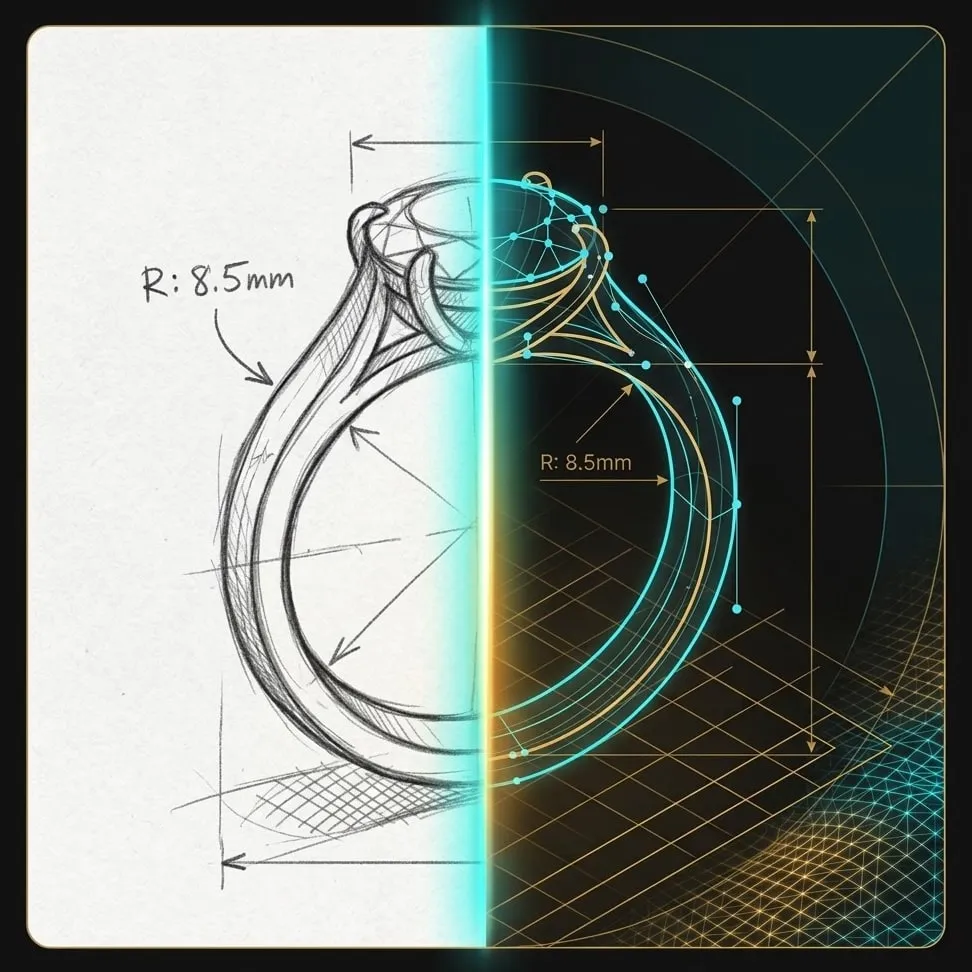
Photograph the page. Curviq reads intent, not just pixels — the weight of the line, where the stone sits, what you left deliberately loose.
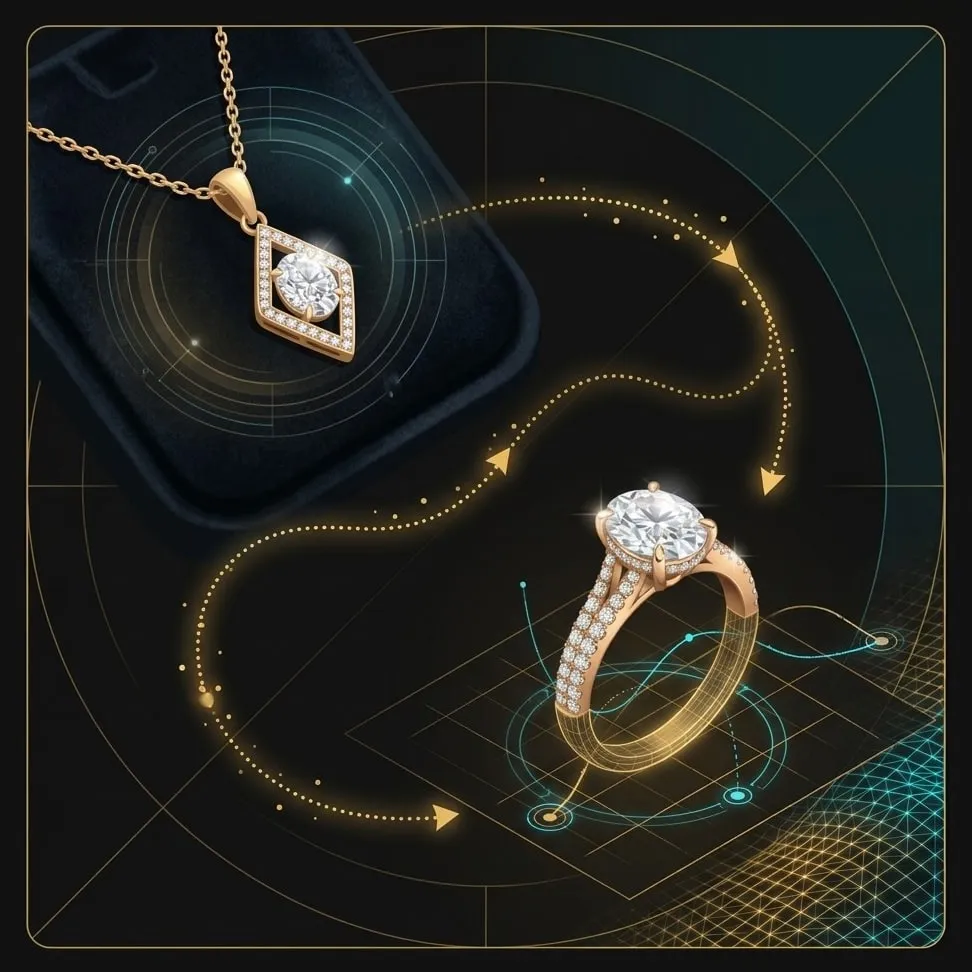
Upload a finished piece. Get variations on the same form, or that piece translated into another — a necklace becomes the matching ring.
Point Curviq at the pieces you have already shipped. It reads the proportions you favour, the settings your bench is good at, the metals you actually stock and the finishes you can hold — then proposes inside those limits.
That is the difference between a model that knows what a ring looks like and one that knows what your ring looks like. The output reads as your work because it is bounded by your work.
Jewellery design software with CAD and costing built in. The workflow is the same; what changes is where you pick it up and where you hand it on.
You already have a house style and a bench that has to hold it. Curviq enforces the first and respects the second.
No CAD seat, no 3D artist on retainer, no three-week wait to see whether an idea is worth pursuing.
Most custom orders die in the gap between what a customer half-wants and what you can show them today.
Try Curviq with 150 free credits, no card. Gold and Diamond add try-ons, CAD Builder, Mood Board and costing — and the bigger the plan, the less each design costs.
Prices are in rupees and exclude GST. One currency across every plan, Trial included. An image is 30 credits on Trial; a design is 200 credits on Gold and 150 on Diamond, so Diamond buys a third more designs for every credit. Need more designs in a month? Buy extra credits at any time and keep designing. Unused monthly credits roll over for 30 days; the one-time Trial grant does not.
* Free edits come with Gold and Diamond designs only, and Diamond gives 50% more per design than Gold; the number is shown in the app. Further edits, and every edit on Trial, cost credits, shown before you confirm. Terms and conditions apply.
Curviq is AI jewellery design software that takes a piece from the first line of a sketch to a dimensioned, costed CAD file. Design, CAD and costing sit in one workflow, so nothing is re-drawn, re-typed or re-costed along the way.
Yes. Curviq turns a sentence, a hand sketch or a photo into a dimensioned, tolerance-checked CAD file, exported as STL, 3DM or STEP. It proposes each step and you confirm it; nothing moves to the next stage without a person approving it. CAD export is on Gold and Diamond.
Yes. Photograph the page and upload it. Curviq reads the intent of the drawing, such as the weight of the line and where the stone sits, and carries it through to a CAD file.
Yes. Upload a finished piece to get variations on the same form, or to translate it into another piece: a necklace can become the matching ring.
No. You describe the piece the way you would describe it to a bench — form, centre stone, metal, setting, finish — and Curviq drafts inside that vocabulary. CAD is produced at the end of the workflow, not required at the start.
Yes, with Mood Board on Gold and Diamond. It reads the pieces you have already shipped, including your proportions, settings, metals and finishes, and proposes only inside those limits, so the output reads as your house style rather than generic jewellery.
Yes, on Gold and Diamond. The cost estimator works out the metal weight and costs metal, stones and labour against live rates before the quote leaves your hands, so you know the weight and the margin at the counter.
A one-time grant of 150 credits, no card. At 30 credits an image that is about five images, or any mix of variations and renders. Try-ons and CAD open on Gold and Diamond.
Gold is ₹1,000 + GST a month for 1,000 credits, which is 5 designs. Diamond is ₹5,000 + GST a month for 5,000 credits, 33 designs. Paying yearly saves 10%: ₹10,800 or ₹54,000 + GST a year. You can buy extra credits at any time, and unused monthly credits roll over for 30 days.
Curviq Light is a chat for anyone: create designs and learn about the jewellery industry as you go. Curviq Enterprise is for retailers, manufacturers, designers and CAD developers, with a full editor for every phase of design and CAD development.
One hundred and fifty credits, no card — design, vary and render from the first minute.